> For the complete documentation index, see [llms.txt](https://docs.eazycode.com/ezcode-documentation/llms.txt). Markdown versions of documentation pages are available by appending `.md` to page URLs; this page is available as [Markdown](https://docs.eazycode.com/ezcode-documentation/templates/ez-starter-landing-page.md).
# Ez Starter - Landing Page
Documentation for **Ez Starter - Landing Page**, a ready-made Bubble template by EazyCode. Open the template page for the live demo, features and pricing.
View Ez Starter - Landing Page template
Related: [Bubble Landing Page templates](https://eazycode.com/bubble-templates-category/landing-page-templates) · [Best free Bubble templates](https://eazycode.com/nocode-news/best-free-bubble-templates)
***
## 🔗Links
[**Template Link on Bubble Marketplace**](https://bubble.io/template/ez-starter---landing-pages-1543857478506x584227237813551100)
[**View Ez Starter - Landing Page template**](https://eazycode.com/template/ez-starter-landing-page)
[**Preview Link**](https://ezstarter.bubbleapps.io/)
[**Forum Link**](https://forum.bubble.io/t/new-template-ez-starter-free-landing-page-template-by-ezcode/64896)
***
## Photos
{% tabs %}
{% tab title="1" %}
{% endtab %}
{% tab title="2" %}
{% endtab %}
{% tab title="3" %}
{% endtab %}
{% tab title="4" %}
{% endtab %}
{% tab title="5" %}
{% endtab %}
{% tab title="6" %}
{% endtab %}
{% tab title="7" %}
{% endtab %}
{% endtabs %}
## Introduction
A landing is a web page primarily designed to collect contact information from the target audience. It is used to enhance advertising effectiveness and expand the reach of the audience. We have created this template for entrepreneurs who are interested in promoting their businesses and attracting new clients. Additionally, Ez Starter is perfect for those who are just getting started with bubble.io development. The template combines a simple design with ease of customization to fit your needs. It includes all the necessary functions of a landing page and is fully compatible with all types of devices.
The template is completely free, although additional modifications can be discussed. Please feel free to contact us with any questions, and we will be happy to find a solution for your idea.
***
## Notes
{% hint style="info" %} **Important note**: After purchasing this template and customizing it, be sure that you had a chance to learn how to set up data security.
Check all privacy settings by the following link before launch: [***Bubble Privacy***](https://manual.bubble.io/help-guides/data/the-database/protecting-data-with-privacy-rules)
Since access to objects differs in each application and is unique for each case, ensure you have established all the privacy rules.
{% endhint %}
{% hint style="danger" %} This template is not the final product. Any part of the application can be modified for different needs.
{% endhint %}
***
## Pages
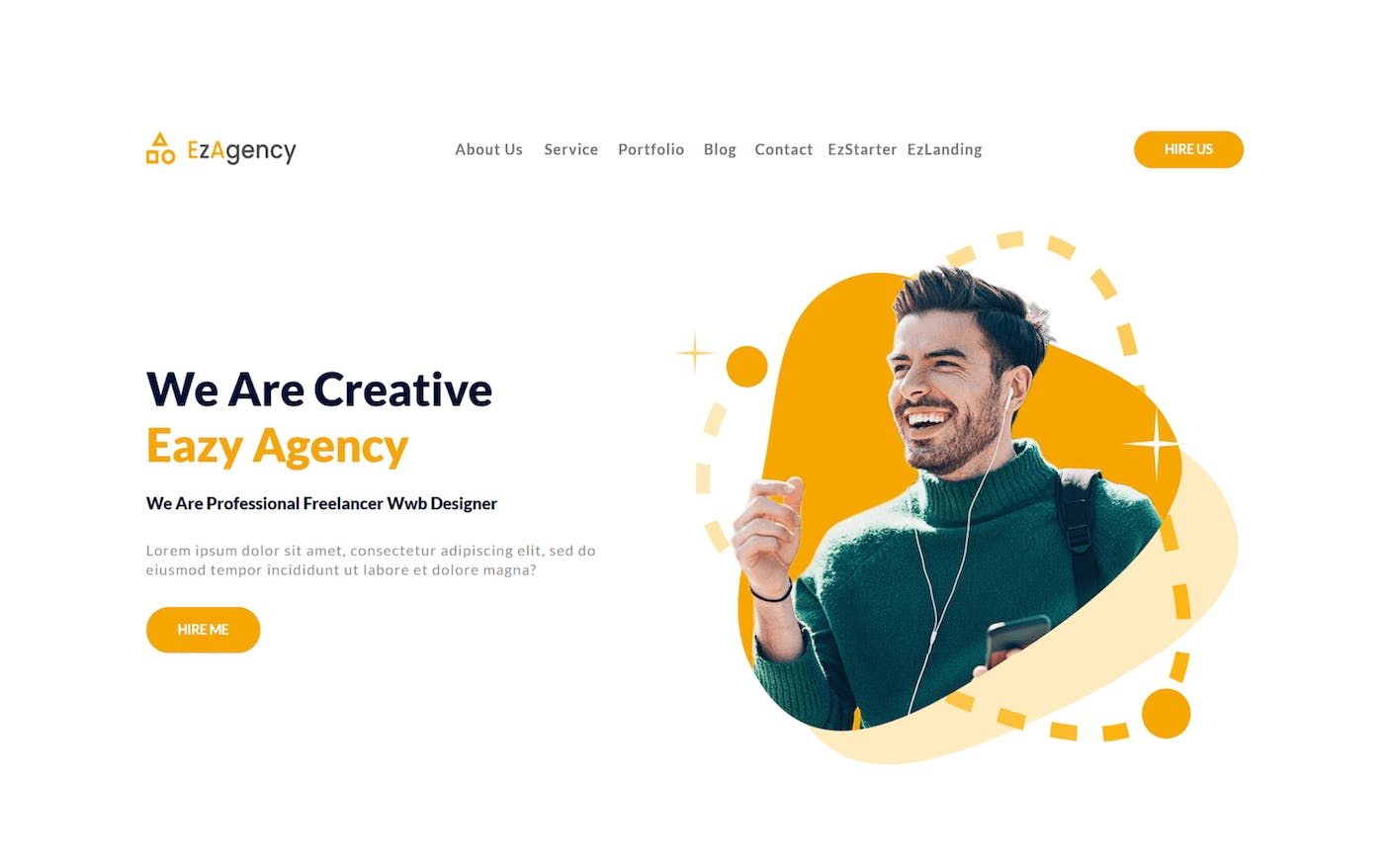
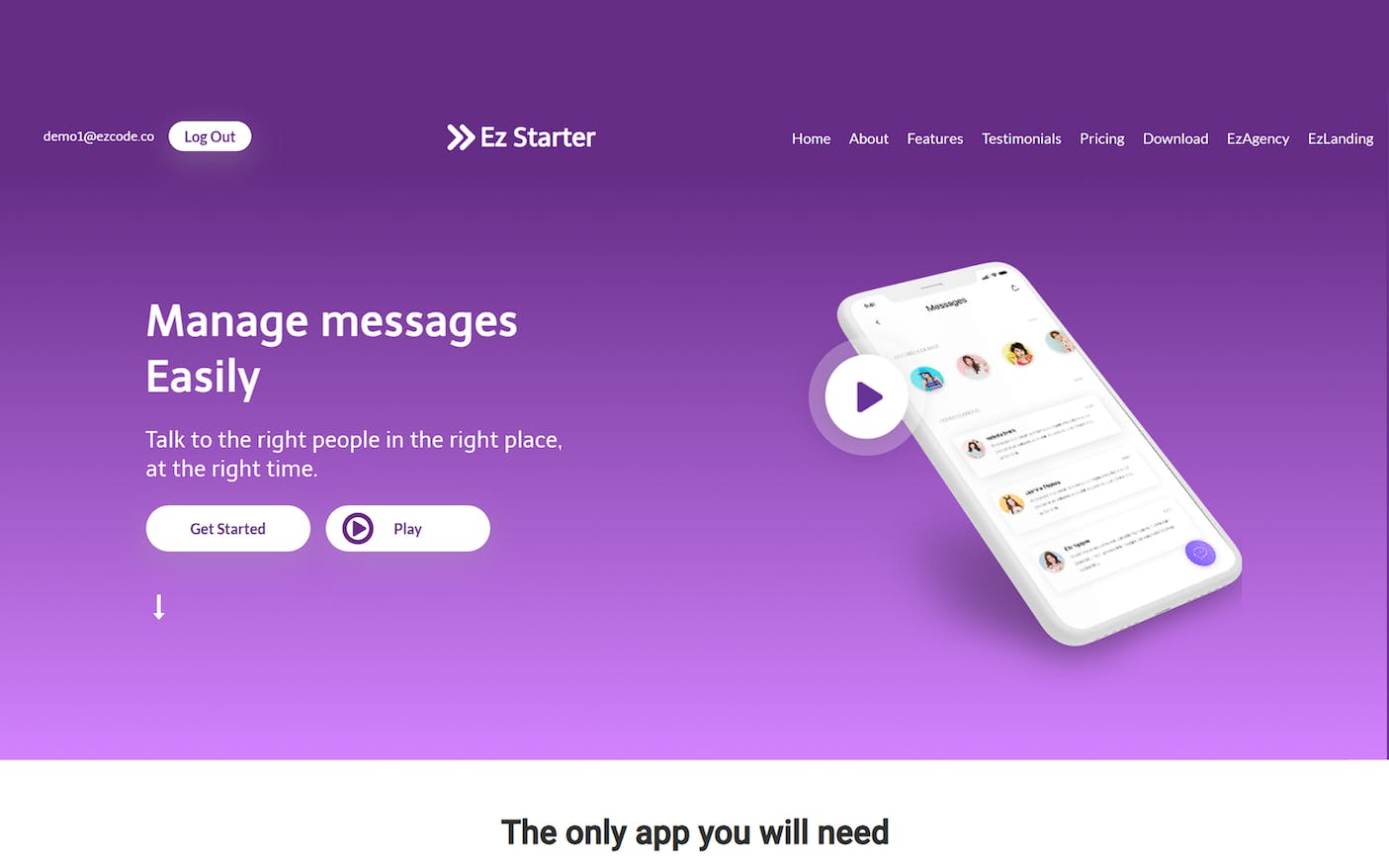
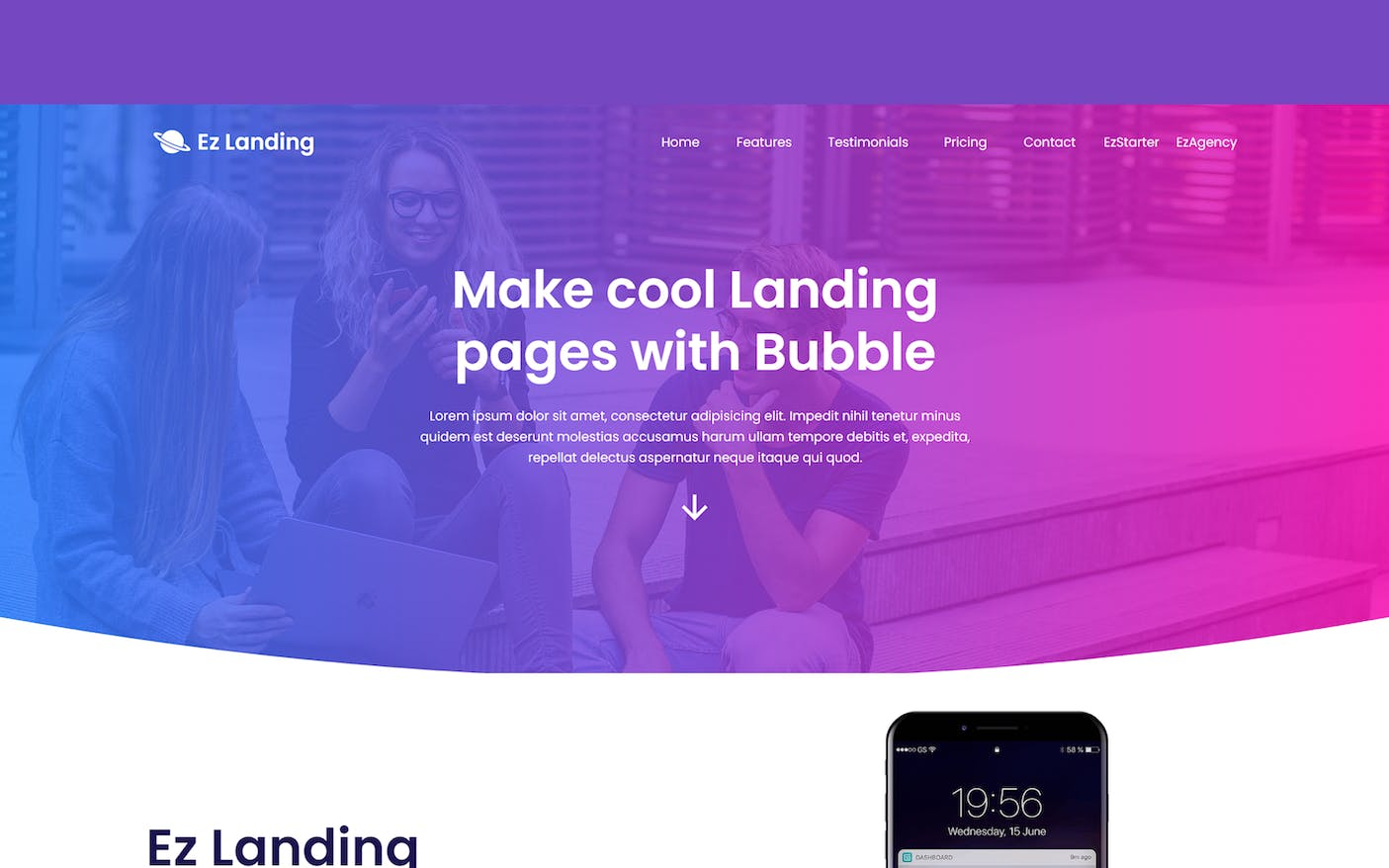
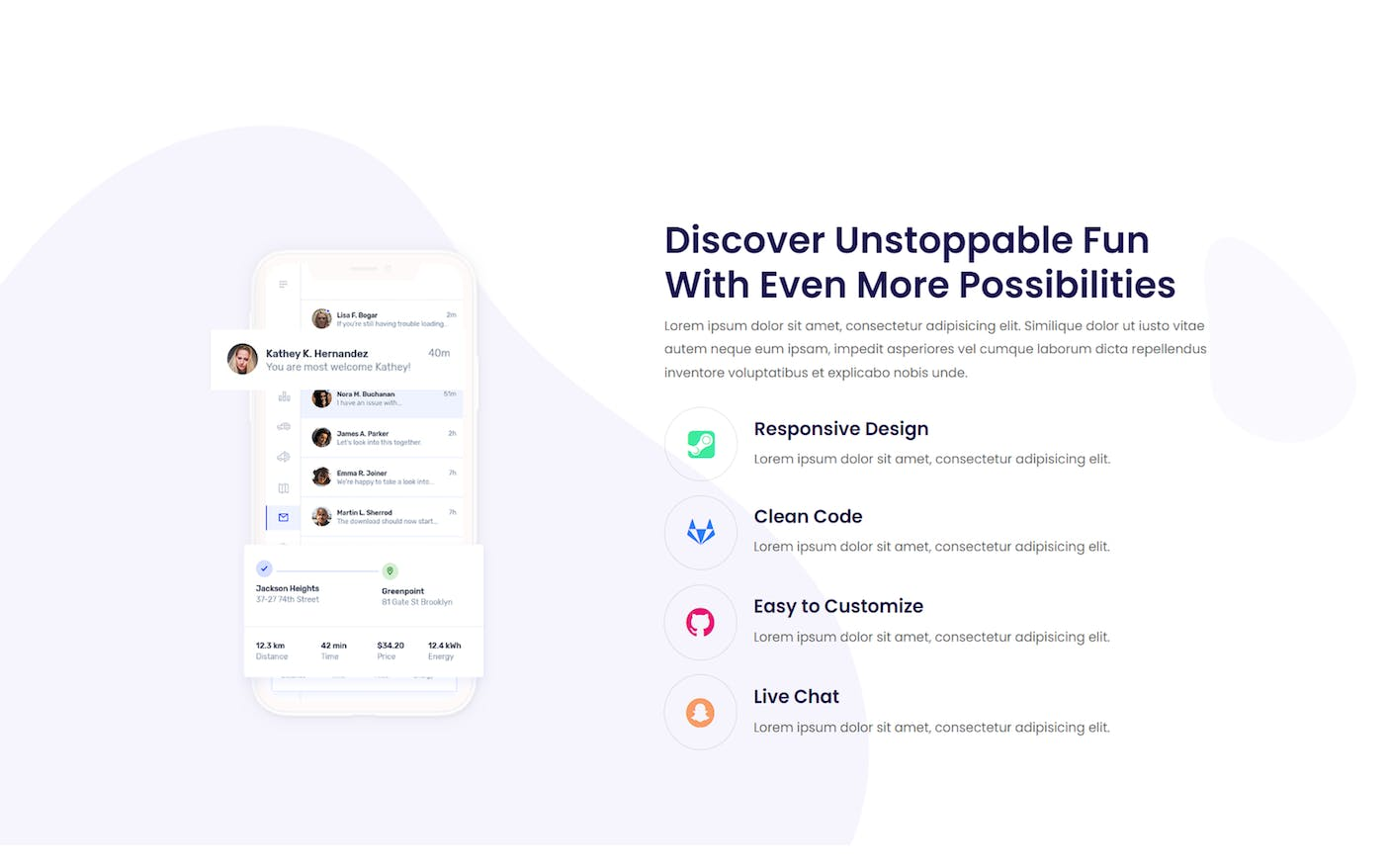
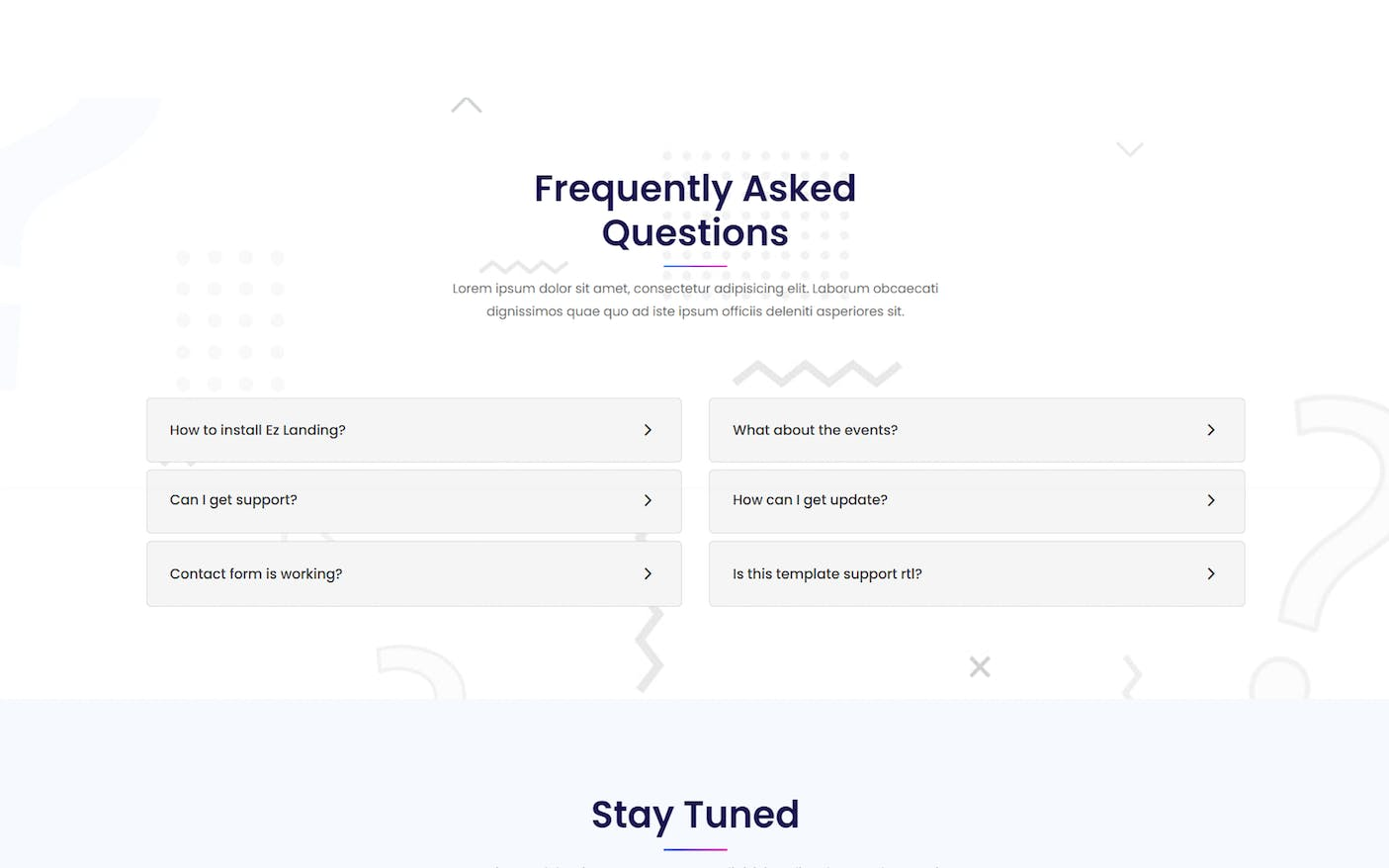
These are three variations of the landing page with different unique designs.
A landing page is a single web page that serves as the entry point for a website or a specific marketing campaign. It is designed with the primary goal of converting visitors into potential customers or leads
***
## Reusable elements
### about\_us
This reusable element contains images and texts that contain information about the company.
### apps
This reusable element contains ways to get the app.
### banner
This reusable element contains a background, image, buttons, and trigger for popups with video from YouTube.
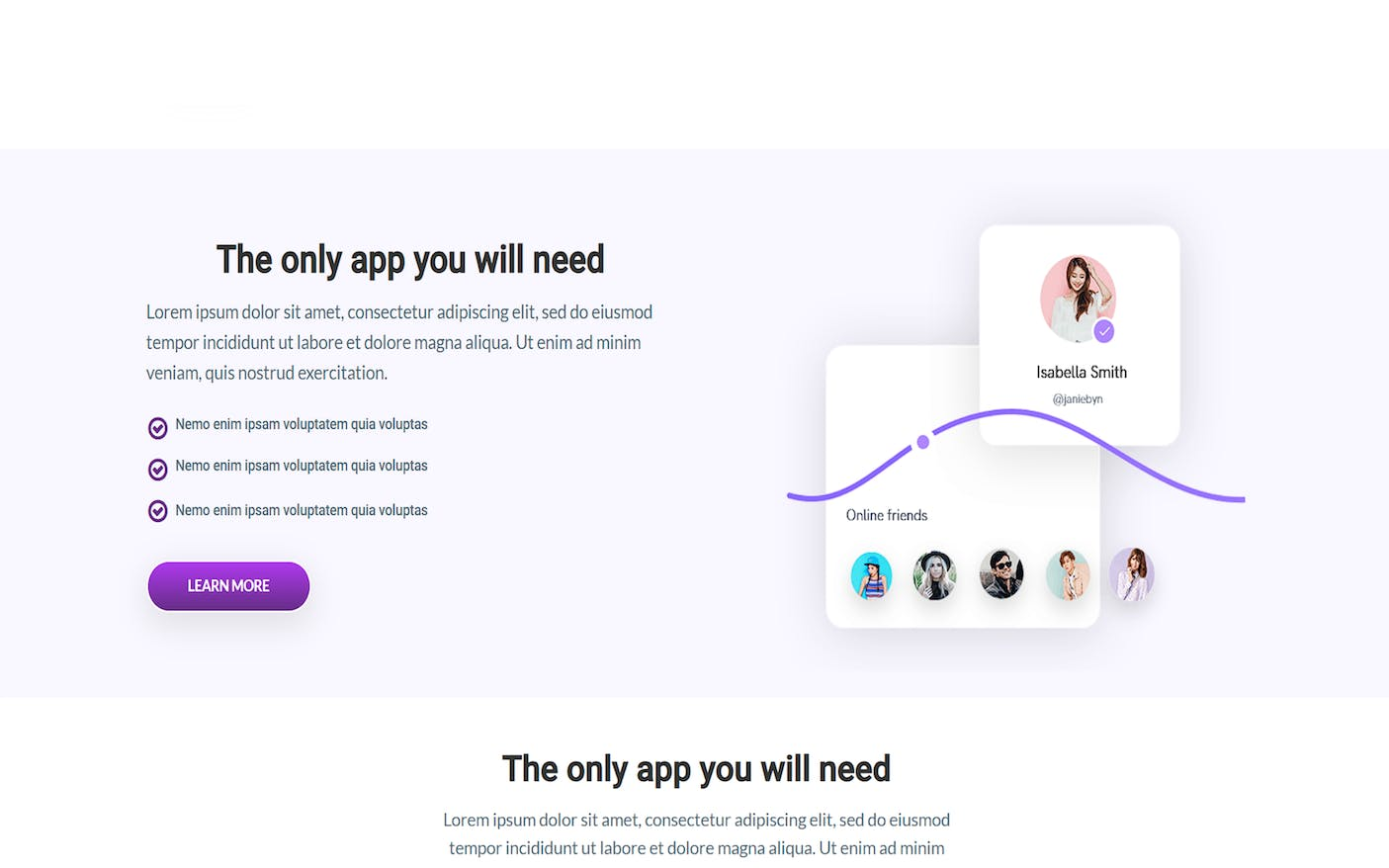
### call\_to\_action
This reusable element contains a call to action bloc. It has information, features, and images.
### features
This reusable element contains information about the item's features.
### footer
This reusable element contains a subscription, logo, and links to EzCode plugins, templates, and socials.
### Header
This reusable element contains scroll buttons to the main blocs of the page and mobile menu.
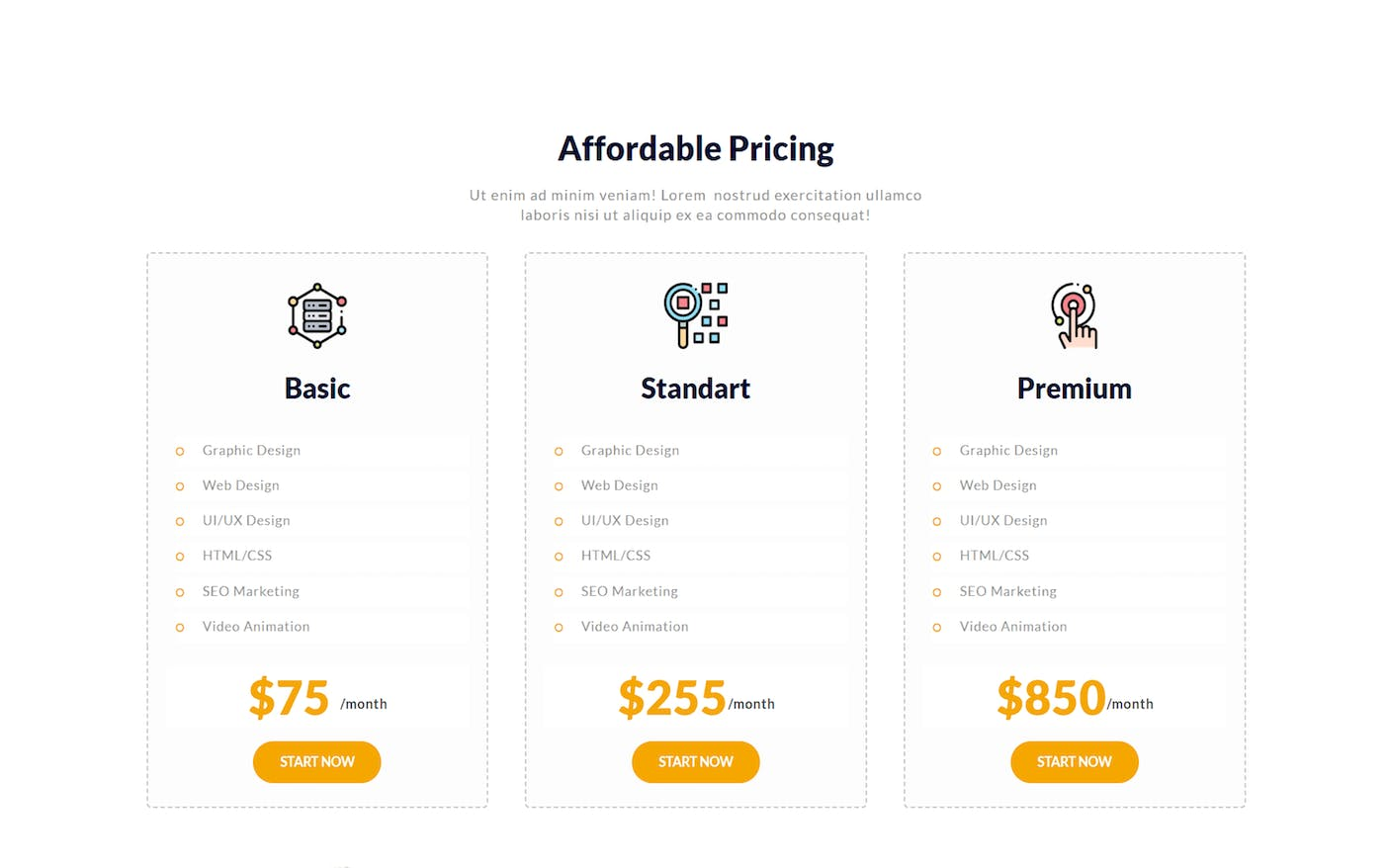
### pricing
This reusable element contains groups with pricing information and learns more buttons.
### Signup / Login Popup
This reusable element contains sign-up, log-in and reset password forms.
### testimonials
This reusable element contains images and tabs with testimonials.
### why\_us
This reusable element contains reasons to choose this company, item or else. It contains tabs with information about benefits.
***
## Workflow
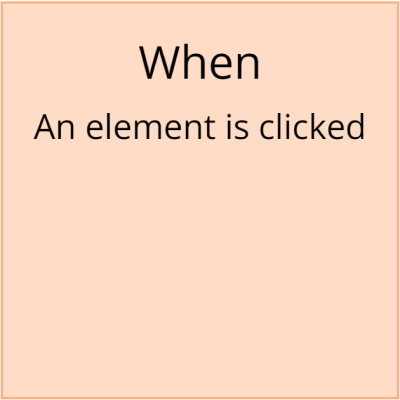
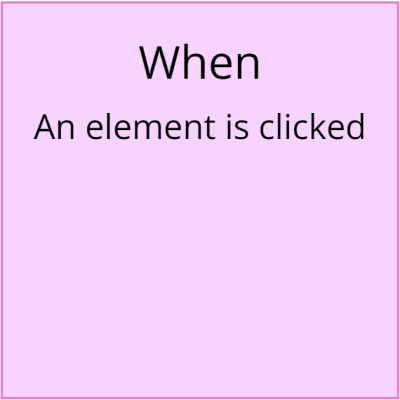
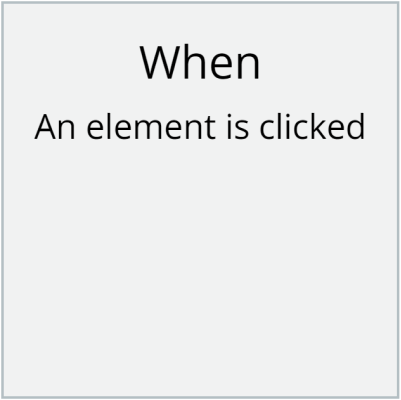
Highlighting the workflow with color is a great way to separate actions in essence and significance. Below is the EazyCode standard for the use of colors with a detailed explanation.
{% hint style="warning" %} The standards below are for informational purposes only. Any discrepancy is not related to the functionality of the application.
{% endhint %}
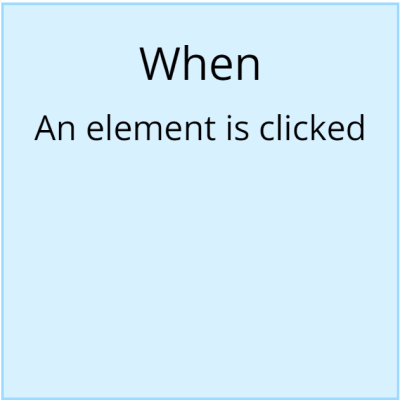
**Blue** - The actions taking place on our screen do not utilize the application's resources. For instance, when an element is clicked and a popup is opened or closed.
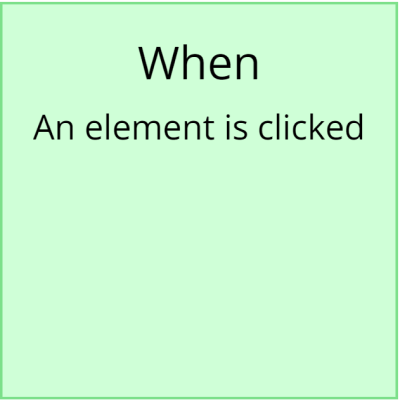
**Green** - These actions involve creating or modifying entries in the database. For example, "Create a new Thing," "Make changes to a thing or a list of things," as well as "Copy a list of things," and so on.
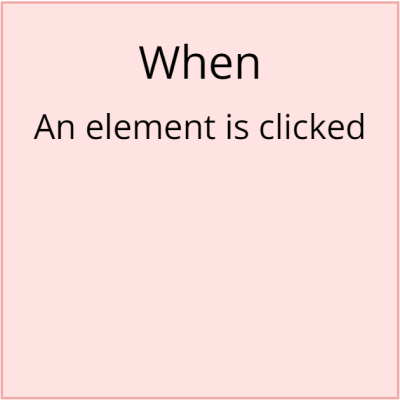
**Red** - This action involves deleting or resetting values. For instance, "Delete a thing or a list of things," as well as "Reset a group" and "Reset inputs."
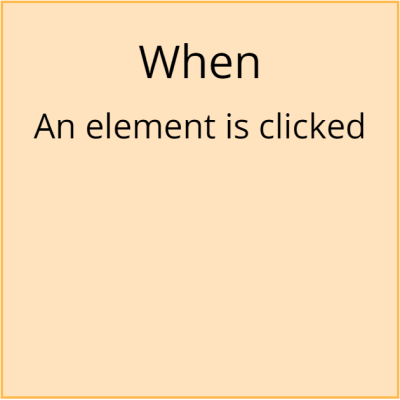
**Orange** - Actions related to your navigation. For example, "Navigate to a page," or "Do when a condition is true" – when you use specific values for checking, such as "When the current user is logged in," and so on.
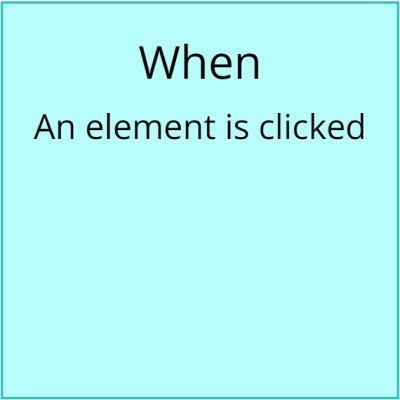
**Cyan** - Actions utilizing Custom Events – lengthy tasks that involve the creation, modification, deletion, and plugins within a single comprehensive workflow as steps.
**Brown** - Custom workflow, API workflow, and similar tasks.
**Purple** - The significance of this color is determined by the developer themselves, as it is done due to the fact that everyone has their own approach to development.
**Grey** - All other actions.
***
## Data Types:
### Video
This data type is used to store youtube video proprieties.
Field name
Type
Notes
Notes
link
get YouTube Video
Stores the link to the video.
video
text
Stores the name of the video.
***
The template is sold as is, although additional modifications can be discussed. Feel free to contact us for any inquiries and we’ll be happy to find a solution for your ideas – [eazycode.com](https://eazycode.com/)
**Hire us:**
[EazyCode: Bubble development agency](https://eazycode.com/hire-bubble-developers)\
[eazycode.ai: AI development](https://eazycode.ai/)\ \ \
\
**Follow us:**
\ \ \